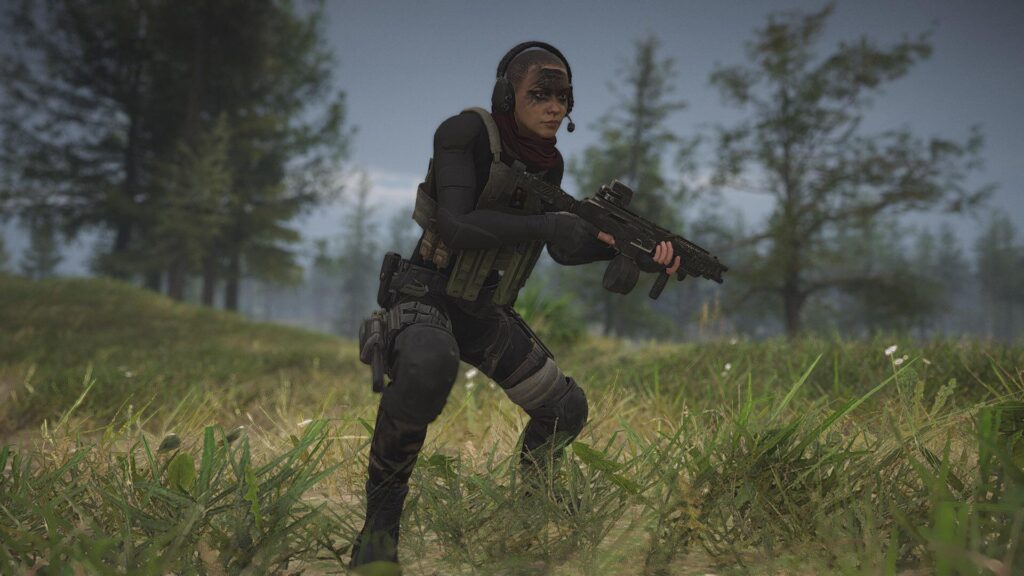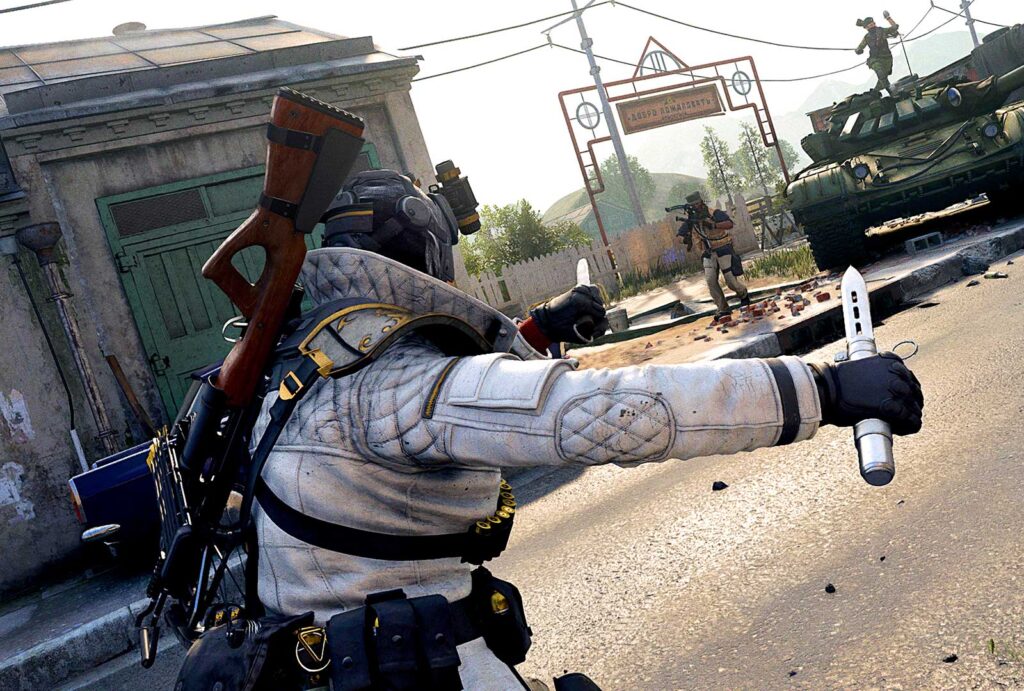

















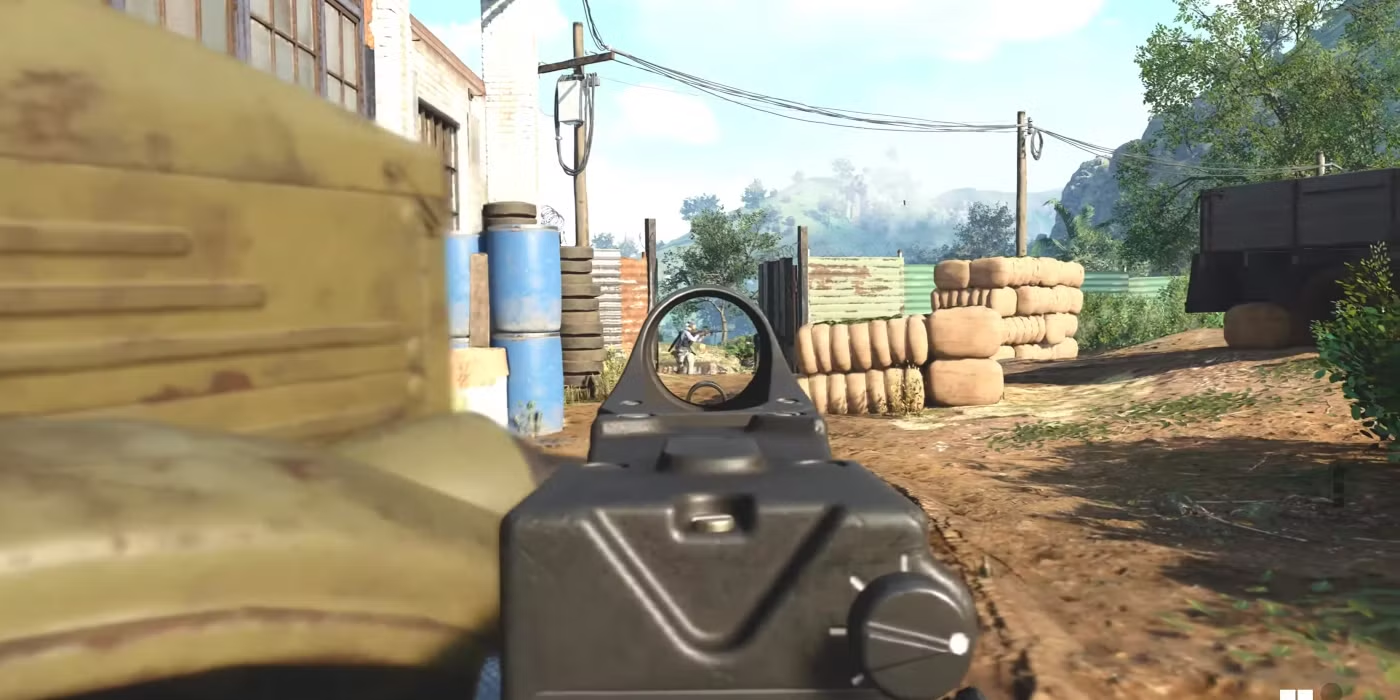
For years, the debate over Aim Assist (AA) has raged, but the latest update has moved the conversation from theory to reality. Developers have quietly but definitively tuned down the strength and engagement window of Aim Assist across both Warzone and core multiplayer. This change is monumental, effectively raising the skill ceiling for controller players who could previously rely on the system for substantial precision stability.
The era of passive reliance on the game’s aiming systems is over. Success now depends on manual compensation, demanding players master their settings to mitigate the AA reduction and restore their competitive edge.
The Impact: Where Aim Assist Fails Now
Community testing confirms that the biggest impact of the Aim Assist nerf is twofold:
- Reduced Rotational Stickiness: The “stickiness” that slowed the reticle when passing over a target has been significantly diminished, forcing players to apply more manual tracking input.
- Shorter Engagement Window: Aim Assist now activates later and deactivates quicker, making snap-to-target acquisition much less forgiving, particularly when transitioning between multiple enemies.
To counter this, players must optimize their physical inputs to ensure their own manual aiming is as precise and responsive as possible.
Your Optimal Controller Settings Blueprint
To regain lost accuracy, players must focus on three critical areas in the controller settings menu: Dead Zones, Response Curve, and Sensitivity.
- Dead Zones: Eliminating Drift for Precision
Goal: Set the minimum input threshold as low as possible without inducing stick drift. This ensures even the smallest thumbstick movements are registered, maximizing fine aim adjustments.
- Minimum Input (Left/Right Stick): Start at 0.05. Gradually reduce this value in increments of 0.01 until you observe stick drift on the screen, then increase it one step back.
- Maximum Input: Set both to 0.99. This ensures you reach 100% turn speed immediately when you push the stick all the way.
- Response Curve: Choosing Your Control Style
The Response Curve Type dictates how your stick movement translates to in-game camera movement.
- Recommendation: Dynamic. The Dynamic curve is essential for compensating for the AA nerf. It provides a non-linear acceleration, meaning small movements are precise (perfect for micro-adjustments and tracking), while large movements remain fast (crucial for quick 180-degree turns). This gives you manual control where AA used to handle it.
- Sensitivity: Finding the Sweet Spot
High sensitivity allows for fast target acquisition, but low sensitivity allows for accurate tracking – a key factor now that AA is weaker.
- Horizontal/Vertical Stick Sensitivity: Start in the 6-7 range. For core multiplayer, you might push this to 8-9. In Warzone, where long-range tracking is vital, lower sensitivity (6-6) is often superior for consistency.
- ADS Sensitivity Multiplier: Set this to 0.85 – 0.90. This lowers your sensitivity while aiming down sights, allowing for the precise micro-adjustments needed for long-range engagements that the reduced AA can no longer reliably assist with.
By manually fine-tuning these settings and adopting the Dynamic response curve, controller players can reclaim the precision lost in the Aim Assist adjustment. The meta is changing, and only those who adapt their hardware inputs will maintain dominance.